

Media2URL vs ImageKit
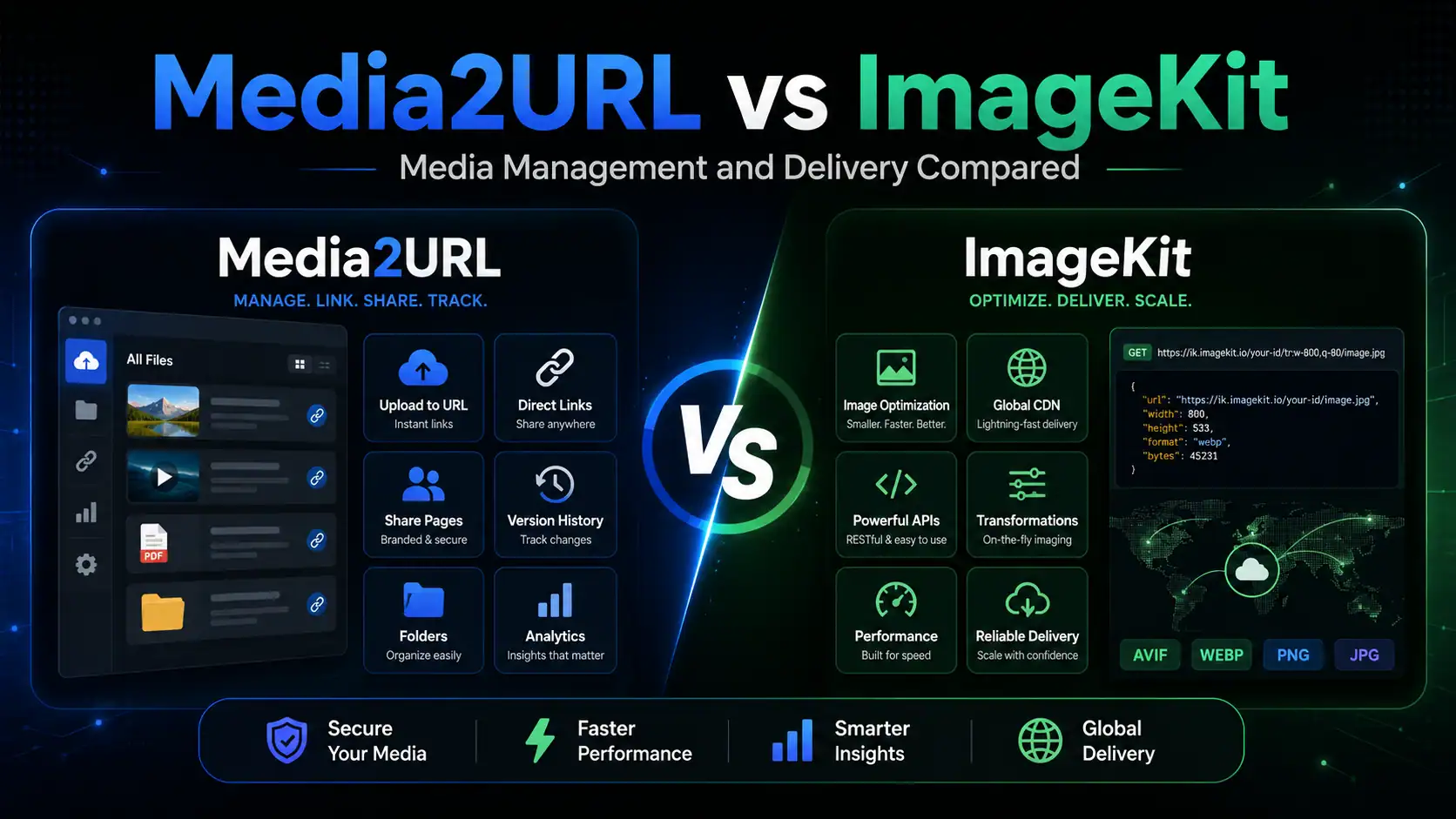
If your difficult problem happens while media is being delivered, ImageKit has the stronger setup. An application can request another image size or crop through the URL, developers have APIs and SDKs available, existing storage can remain connected, and video delivery can extend to adaptive streaming.
Media2URL makes more sense when the difficult part happens around the stored file. A team can organise media in visual workspaces, prepare supported files with the relevant tools, create direct or controlled links, then come back later when a file needs another version or the sharing rules need to change.
There is genuine overlap between the two. ImageKit has a substantial visual DAM rather than being a developer only service, and Media2URL can also produce supported image variations through URL parameters. The difference is how far each product goes in those directions.
| Capability | ImageKit | Media2URL |
|---|---|---|
| Main platform focus | Real time media APIs, delivery infrastructure and AI assisted DAM | Visual media workspace, direct file links and dashboard processing |
| Image transformations through URLs | Extensive resizing and cropping, overlays and AI transformations | Size and crop controls, fit and position, quality and format controls with supported WebP or AVIF output |
| AI capabilities | DAM Agent, AI tagging and visual search, plus generative transformations | No separate AI workflow currently included |
| PDF tools | PDF storage and delivery with supported page or thumbnail extraction | Dedicated PDF workspace for merge and split, page organisation and watermarks, numbering and compression, passwords and metadata |
| Visual image editor | Visual transformation editor with crop and resize, focus controls and AI edits | Layer based editor with adjustments and drawing, shapes and text, plus stickers |
| Team access | Granular permissions for accounts and files, folders and collections | Isolated workspaces with Owner, Admin, Editor and Viewer roles |
| External imports | DAM uploads from supported cloud sources and connected external storage origins | Media Migration from supported URLs or cloud sources, with duplicate checking and source to new URL mapping where available |
Media2URL vs Cloudinary
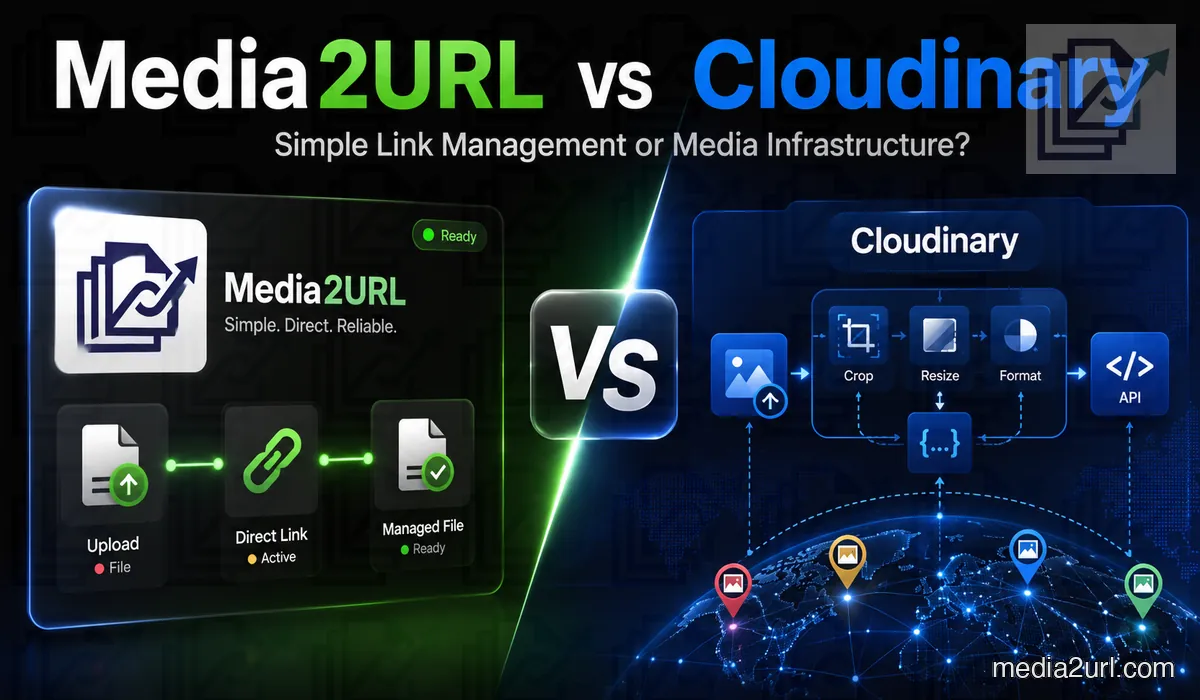
Cloudinary is clearly the deeper product when image and video delivery becomes part of the application infrastructure.
Its APIs, official SDKs, transformation engine and video delivery capabilities give development teams much more control.
I would not use Media2URL instead of Cloudinary for a large ecommerce application generating thousands of responsive media outputs.
I would consider Media2URL for an agency that needs to prepare images and PDFs, move existing files, create controlled links and return later to replace or diagnose those assets.
| Image requirement | Cloudinary | Media2URL |
|---|---|---|
| Automatically decide the important crop area | Advanced gravity and tools that use artificial intelligence | The user selects the crop position manually |
| Choose a modern image format automatically | ✓ Available | The user selects the requested format through the available controls |
| Choose image quality automatically | ✓ Available | The quality value is selected manually |
| Combine many transformation instructions | Extensive | A smaller collection of focused parameters |
| Capability | Cloudinary | Media2URL |
|---|---|---|
| Private media | Private and authenticated delivery types | Private workspace access where supported |
| Working on PDFs | Delivery, page extraction and programmable document workflows | Dedicated visual PDF Workspace with merge, split, page organisation, watermarks, numbering, compression, passwords and metadata |
| Bringing in remote media | Remote URL upload, Fetch delivery, automatic upload mappings and ingestion through developer interfaces | Media Migration from bulk URLs or supported S3 compatible storage, with duplicate checking and old source to new URL mapping where available |
| Adaptive video delivery | ✓ Available | Media2URL is not a complete adaptive streaming platform |
Cloudinary's self service plans use credits.
Transformations consume usage. Bandwidth also contributes, and the amount represented by a credit depends on the resource being used.
I would therefore estimate storage, expected processing and delivery together before deciding which allowance is enough.
Google Photos direct links vs Media2URL
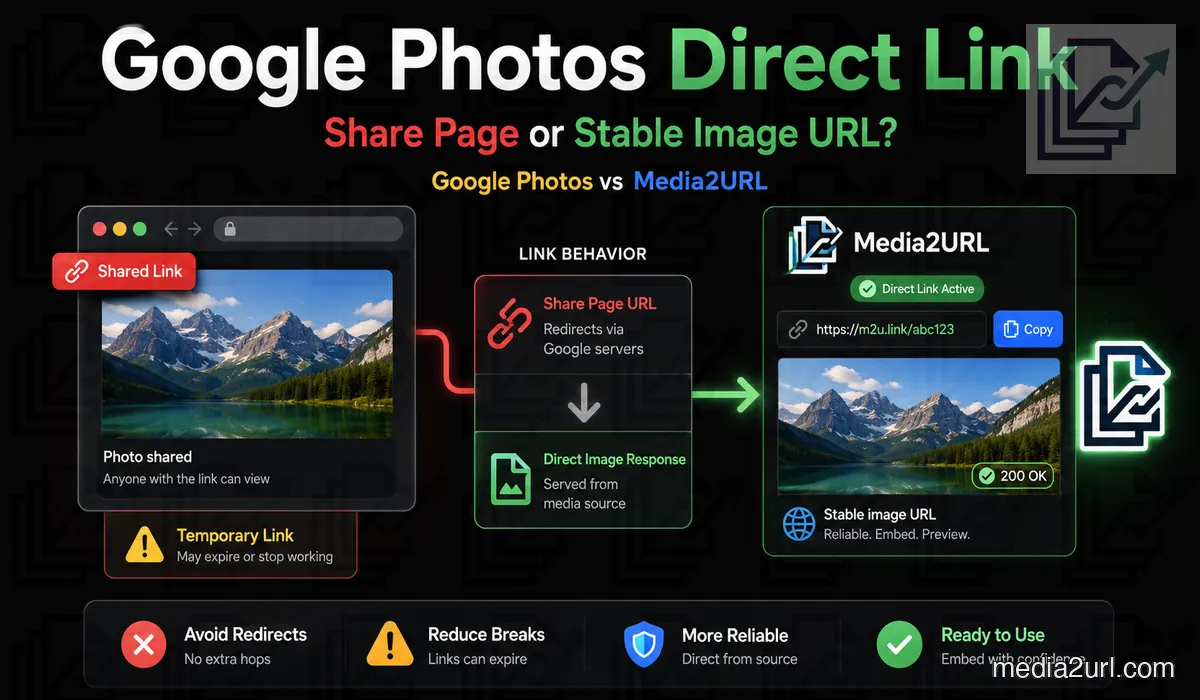
Google Photos sharing is built around letting people open photographs through Google Photos. That works well for an album or a picture being sent to another person, but it is not the same requirement as a website loading the image every time somebody visits a page.
The original photograph can stay exactly where it is in Google Photos. You can continue using albums, search and normal Google Photos sharing without turning your personal library into a website asset system.
When one of those photographs needs to appear on a website, export or download the copy you are allowed to use and upload that copy to Media2URL.
After the upload, Media2URL creates the hosted version that is intended for this job. That is the copy you can organise inside the relevant workspace and use through its direct image address.
For a normal public website image, the Media2URL file also needs to remain available through a public delivery setting. A private file or one protected by a password cannot behave like an ordinary public image source because the browser would still need to pass through that access restriction.
A normal Google Photos sharing URL commonly leads to the Google Photos interface. From the migration service's point of view, that is a webpage rather than the original image it needs to fetch.
If you are unsure whether the source address exposes a retrievable image, check that URL before starting the migration. The dedicated Google Photos direct link guide explains how to inspect those addresses in more detail.
Media2URL vs Image2URL
Image2URL is no longer just an anonymous image uploader. Its free uploader still works for a small, simple task, and its paid plans add file management, private images and larger allowances. The wider product includes separate tools that use AI, plus API access and developer packages.
If the job ends when you receive a working image address, Image2URL is a straightforward choice. If the same asset will be revised, organised or shared with different access rules, Media2URL keeps those tasks closer to the file.
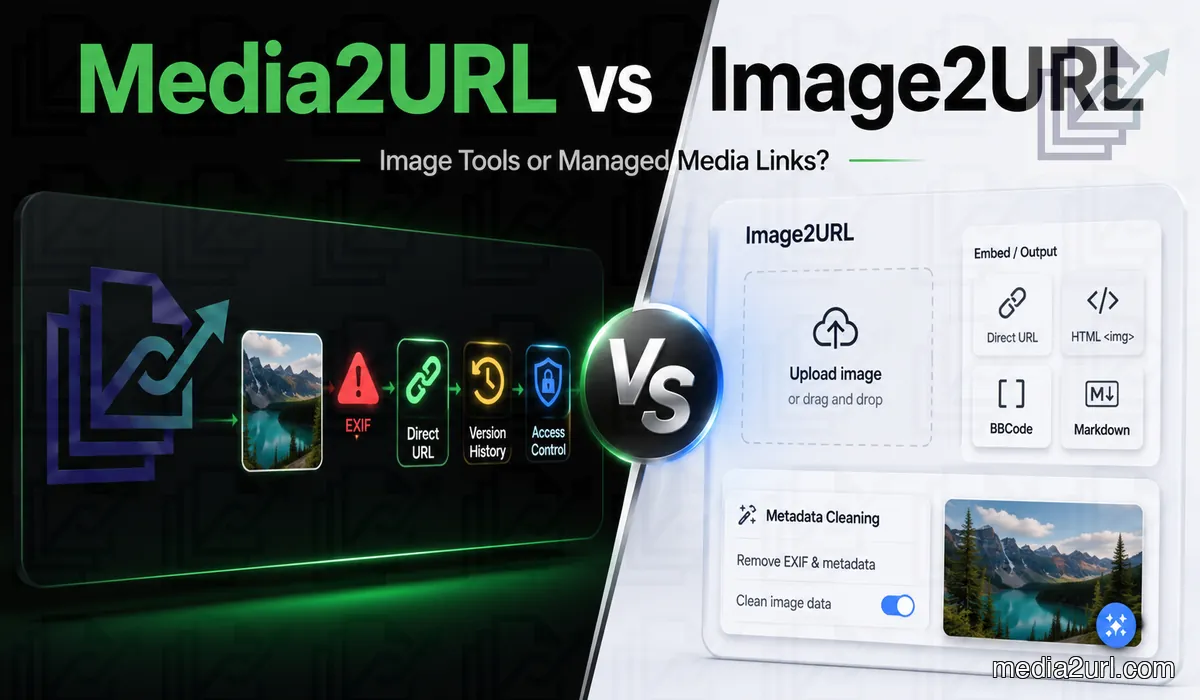
Image2URL documents an external API that uses API keys, asynchronous jobs and signed webhook events. The developer tools also include a CLI, an MCP server and packages for React, Next.js and Python.
| Capability | Image2URL | Media2URL |
|---|---|---|
| Metadata privacy | Dedicated cleaner that processes selected images locally in the browser | Upload warning for supported metadata, with visual editing in the workspace |
| Webhooks | Included on Dev | Not currently offered |
That distinction is useful when you are preparing a large file. Check the page for the format you are actually uploading, since applying the image limit to a video or PDF could give you the wrong answer. Paid allowances can vary by tool too, so confirm storage, batch size and API quotas against the current plan page before relying on them for production work.
Media2URL vs ImgBB
ImgBB is a good fit for straightforward image hosting. Drop in a file, choose whether to resize or set an expiry, then copy a direct link or forum code. Albums and its upload API cover common sharing needs, and Pro adds larger uploads and image replacement.
Media2URL is better suited to a library that stays in use. Images can live in workspaces, be updated while keeping a managed URL, and use access settings or delivery variants later. It also covers supported PDFs, videos, GIFs and audio, so an image is not the only kind of asset a team can keep there.
| Workflow | ImgBB | Media2URL |
|---|---|---|
| Links and embeds | Viewer page, direct link, HTML and BBCode | Direct links and configurable share pages |
| Grouping | Public, private link or password protected albums | Nested folders, collections, tags and bookmarks |
| Replacement | Pro feature | File history with supported restoration |
| API | Public image upload API; Pro lists API access | External REST API available; see current API documentation |
Media2URL vs Imgur
One thing Imgur has that ordinary image hosting services often lack is an existing audience. People can discover your public uploads without you having to send them a link first.
Its public gallery is built around pictures, GIFs and short visual posts. Other members can vote, leave comments or add posts to their favourites. Your public uploads can also appear on your profile and be discovered through Imgur's search.
Imgur's Hidden option keeps an upload outside its public gallery. It does not require someone to sign in or enter a password before opening the picture.
Anyone who receives or discovers the correct URL can still view the file. Imgur also makes it clear that people cannot be prevented from downloading images they are able to see.
The difference is easy to see with an image that needs regular updates. Instead of uploading an unrelated replacement and changing all the old references, you can update the supported asset through its existing file record.
Imgur states that it is not a content delivery network and prohibits using its image hosting service for commercial purposes, including embedding images on commercial websites or applications.
According to the Imgur documentation referenced in the supplied comparison, the service is unavailable to users in the United Kingdom because of local regulations. Embedded Imgur content and direct links are affected by that restriction.
Imgur has stated that old, unused and inactive content uploaded anonymously may be removed. The removal approach concerns content that is not associated with an account and meets the relevant inactivity conditions.
That does not mean every anonymous image will disappear or that all old uploads are automatically deleted. But if you uploaded a picture without an account several years ago, you may not have the same control over it as an image stored in an account you still manage.
Media2URL vs Postimages
It is easy to overlook Postimages' Premium replacement feature when comparing it with a larger media management service. It is also worth remembering that Postimages offers permanent hosting rather than automatically deleting pictures that have not been viewed recently.
The differences are more noticeable when you need earlier file versions, separate team permissions or several sizes of the same image for a website.
| Requirement | Postimages | Media2URL |
|---|---|---|
| Direct forum sharing | BBCode and supported forum plugins | Direct URLs and BBCode |
| Replacing an image at the same URL | Premium feature | Supported with file history |
| Restoring previous versions | No equivalent timeline documented | Supported version restoration |
| Resizing | Presets selected during upload | Image editor and supported URL transformations |
| Password protection | Not provided in normal image hosting | Available for eligible files |
Postimages limits free hotlinked images to 1280 pixels. Its Premium plan removes that particular restriction and allows hotlinks to use the original image resolution.
Postimages keeps EXIF metadata by default. This applies to anonymous uploads as well, so a photograph uploaded without an account can retain its original metadata.
Users who have signed in can enable EXIF removal through their Postimages account settings. It is an available option rather than something the service automatically applies to every upload.
Before building an integration, check Postimages' current API documentation and terms for the relevant requirements.
If your Postimages links are already working and the pictures rarely change, moving an entire library could create work without solving any real problem.
A forum owner whose members are familiar with its upload plugin has another reason to keep the existing setup. Changing the uploader may make the posting process less convenient, even if the new service has more management features.
Media2URL vs PhotoToURL
PhotoToURL includes webhooks on both Pro and Premium. Media2URL has migration tools, URL transformations and Link Doctor, but it does not currently offer webhooks as a public workflow. The type of automation you need will influence which features are useful to your application.
There are some restrictions on the free plan, though. It accepts JPG, PNG, WebP and GIF files up to 2 MB each. You get 200 MB of storage and can upload ten images a day.
The two upload methods solve different problems. PhotoToURL's local batches are useful when your files are ready on your device. Media2URL's migration tools are intended for bringing supported files from existing online locations into a library where you can manage them.
Start with the files you actually use. How many images do you upload each month? Are they normally finished before uploading, or do they receive corrections later? And how often do you need to give another person access to the collection?
PhotoToURL offers clear published allowances for storage and upload volume. Its paid plans also include photo editing, document hosting, resource permissions and webhooks.
If you plan to move a large library, try a smaller collection first. That gives you a chance to check how your existing files behave, how the new links work and whether the available plan can handle your normal usage before you transfer everything.
Media2URL vs Kommodo
Imagine returning to your project a month after sharing a screenshot. If the picture is no longer needed, an expired Kommodo link probably causes no problem. You got the screenshot to the intended person without registering for another service or maintaining a collection of files you were unlikely to open again.
Things look different when the picture is still being used in a live article or a customer's documentation. In that case, you may need a working link and a way to update the image when the original becomes outdated.
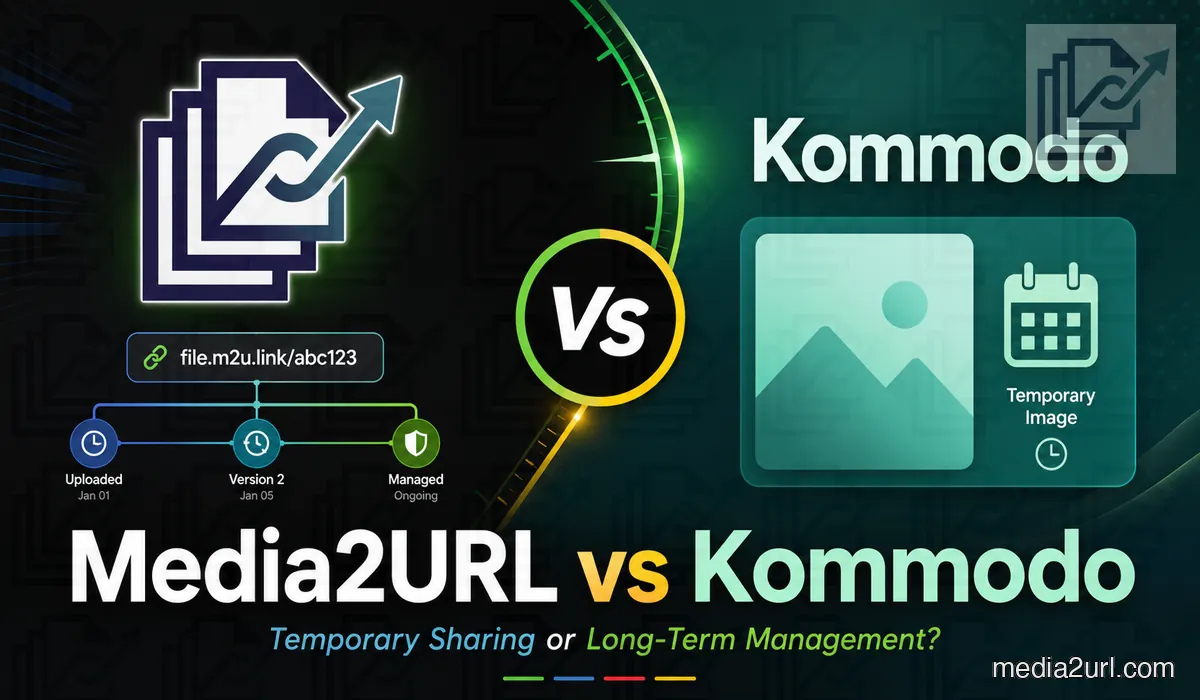
There is much more to Kommodo than its temporary image hosting page. Its wider product is built around recording and sharing video explanations, with tools that serve teams working on demonstrations and visual documentation.
Kommodo offers screen recording and video libraries. Its broader platform also includes video editing through transcripts, AI summaries and collaboration features for teams.
Media2URL does not attempt to reproduce Kommodo's complete screen recording and transcript editing experience. Its media tools are intended for preparing and hosting supported files that already exist.
Kommodo's 30 day retention period is part of the tool's normal operation. You do not have to remember to delete an old screenshot because the hosted link is intended to expire automatically.
According to its published tool information, images larger than 5 MB are compressed. Pictures with a resolution above 4K are also resized before hosting.
GIFs are an exception to Kommodo's usual processing. The service says animated GIFs are uploaded without the same resizing or compression, preserving their animation.
If you intend to retain pictures originally uploaded to Kommodo, move them before their links expire or keep the original files on your own device.
The resulting address is unique, and Kommodo says these image URLs are not indexed by search engines. However, anybody with the correct URL can still open the picture. It should therefore be treated as a link for sharing ordinary images rather than storing confidential information.
Dropbox direct links vs Media2URL
Before creating another hosted copy, it is worth checking whether Dropbox's own sharing options already fit the job. Its shared links can open the normal Dropbox preview, request a download or ask the browser to display supported content.
For a document being sent to somebody or a file downloaded occasionally, that may be completely sufficient. Even a supported image can work inside another website when the receiving application handles Dropbox's delivery behaviour correctly.
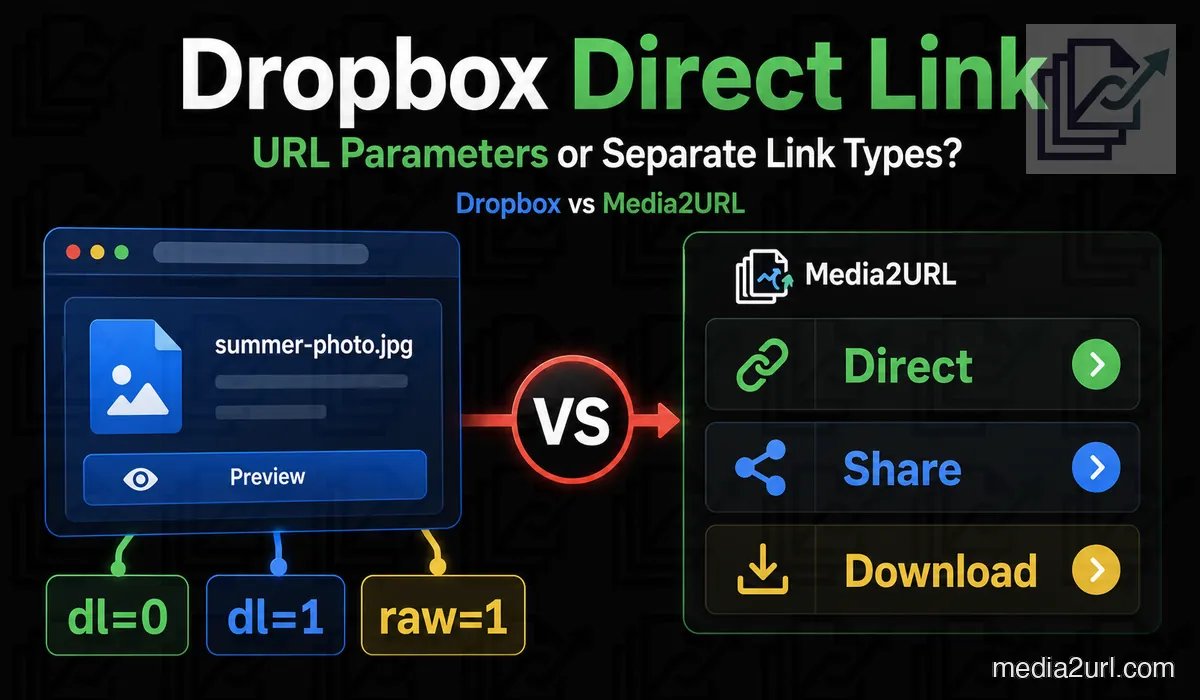
| Feature | Dropbox | Media2URL |
|---|---|---|
| Normal preview | Shared link with dl=0 | Separate share page |
| File download | Shared link with dl=1 | Dedicated download URL |
| Direct media delivery | raw=1 for supported content, with a redirect | Hosted direct file URL |
With Media2URL, an imported or separately uploaded file receives its own hosted URL. Its normal delivery no longer depends on the redirect associated with the original Dropbox link.
If the existing link is important, check that address before moving the file simply because something failed once. Link Doctor can show the reachable status, redirect path and final content type for supported public URLs. The Dropbox direct link guide goes further into troubleshooting the link itself.
Dropbox has daily bandwidth allowances for shared files. The data transferred when other people view or download your files counts towards those limits.
Dropbox says that when you exceed the bandwidth allowance for the first time, affected sharing activity is normally paused for 24 hours. Repeated incidents can result in longer suspensions.
Dropbox already provides useful PDF editing features. Its available tools cover tasks such as merging and splitting documents, rearranging or rotating pages and signing files.
Dropbox's published sharing guidance says its shared links do not render HTML as a normal hosted website. You can store an HTML document and share it for supported preview or download purposes, but changing the URL to raw=1 won't turn it into website hosting.
Your website still contains the same address, but that address may no longer return the photograph. Adding raw=1 does not bypass the original file's permissions or protect it from being deleted.
Media2URL vs AnyToURL
I can see the appeal of AnyToURL's CLI for developers who already spend much of their time in a terminal.
With AnyToURL's command line tool, you can upload individual files or select several files together. It also accepts filename patterns, so a developer can work with a group of files that share the same extension.
The CLI also supports stdin. You can choose between ordinary URL output and JSON, depending on what the next part of your script expects.
This is useful when the same commands run regularly. A build process can generate a file and send it to AnyToURL without waiting for someone to open the uploader.
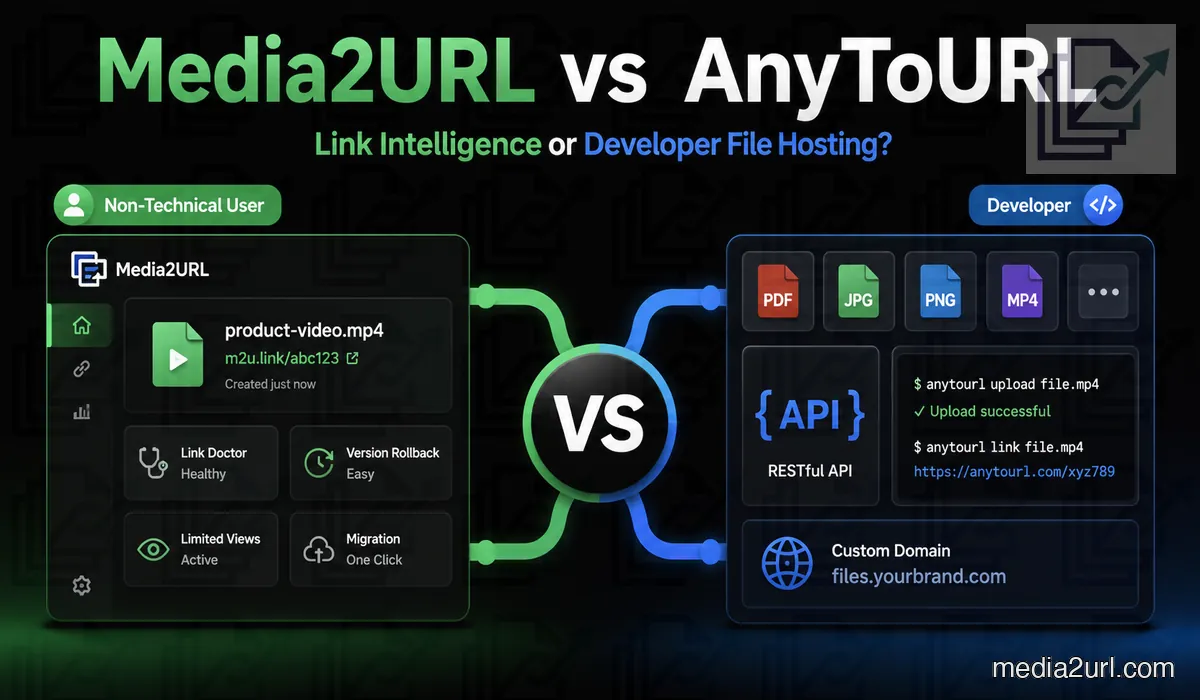
While AnyToURL emphasizes CLI-based uploads and high-frequency upload rates, Media2URL provides an External REST API for automated programmatic uploads and asset management workflows.
AnyToURL Starter allows files up to 5 MB and keeps them online for 24 hours. You also get 1 GB of uploads each month, along with a daily bandwidth allowance of 1 GB.
AnyToURL has two different retention arrangements in its published plans. Starter files expire after 24 hours, while paid files can remain available permanently as long as the subscription stays active.
However, the official pricing page described in the supplied September 2026 review no longer lists custom domains or branding under Ultra.
That doesn't necessarily mean the features have been permanently removed. It does mean I wouldn't purchase the plan specifically for custom domain hosting without checking the current account options.
Media2URL vs PDFToURL
If the PDF is finished and you simply need a public address, PDFToURL's normal uploader may cover the entire job. It accepts several common document formats, requires no registration for basic use and advertises long term links.
A catalogue that changes every few weeks creates a different situation. The published address may already be printed in customer material, and the document might need correcting more than once.
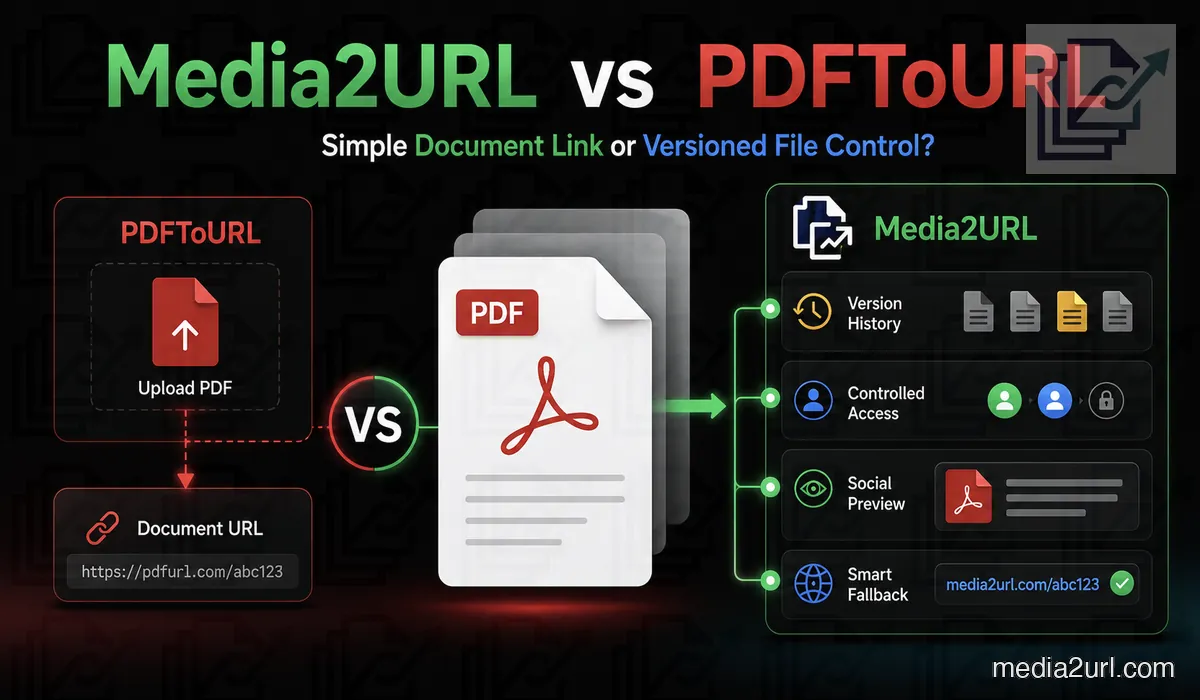
| Feature | PDFToURL | Media2URL |
|---|---|---|
| PDF merging and splitting | Not documented in the standard uploader | Available |
| Page reordering and rotation | Not documented in the standard uploader | Available |
| PDF compression | Not documented in the standard uploader | Available |
| Replace a file without changing its URL | No comparable workflow documented | Available for supported assets |
| Restore earlier file versions | No comparable workflow documented | Supported file history |
| Password protection | Not documented as a standard uploader feature | Available for eligible files |
| Selected link expiry | Not documented as a standard uploader control | Available where supported |
You don't need an account for ordinary uploads, which is convenient when you only have one document to share. The published maximum file size is 10 MB.
However, the separate PDF to URL tool page was still labelled "Tool Coming Soon" and "In Development" when the original comparison was reviewed.
The distinction is between two parts of the website. The general document uploader is available, while the separate dedicated PDF tool hasn't been presented as finished.
Media2URL vs MP3ToURL
A finished music demo that only needs to be shared with somebody may not require much management. MP3ToURL lets you upload a supported file without registration, generates a direct URL and provides sharing snippets through its wider tools workflow.
The requirements change when you're preparing a series of lessons or regularly publishing revised recordings. You may need shorter audio clips or another output format. Sometimes the recording itself is already published, but somebody discovers a mistake that needs correcting.
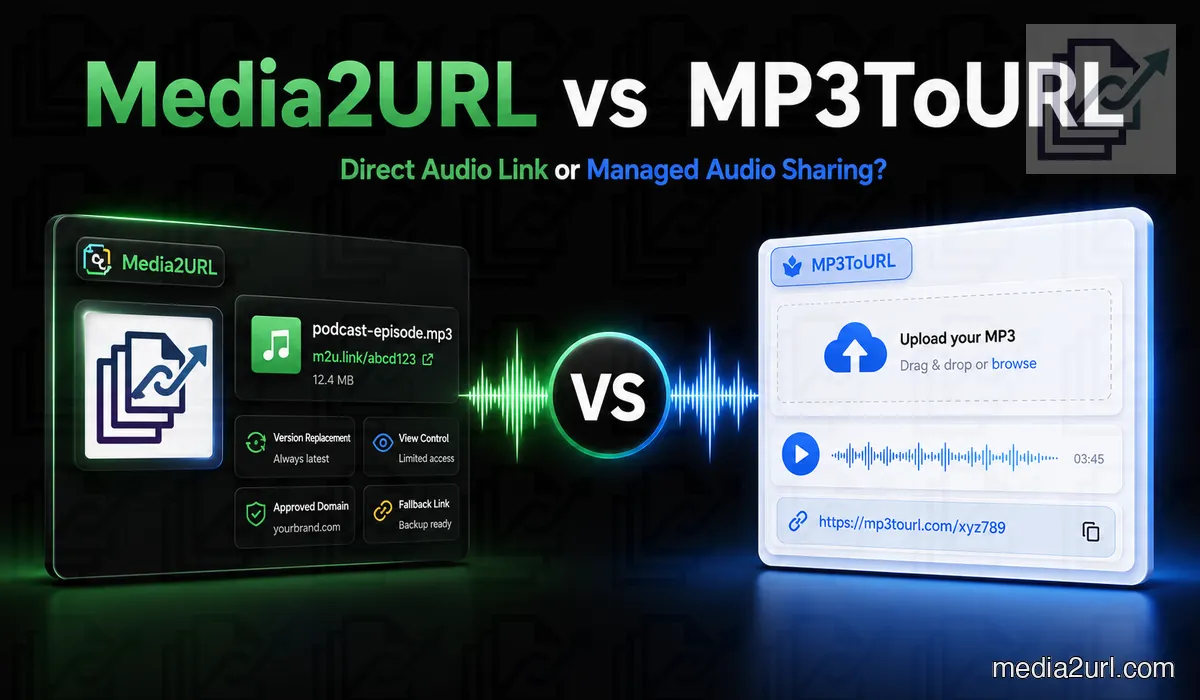
| Feature | MP3ToURL | Media2URL |
|---|---|---|
| Direct audio URL | ✓ Available | Available |
| Audio trimming | Not documented as part of the normal hosting workflow | Supported timestamp trimming |
| Audio conversion | Not documented as part of the normal hosting workflow | Supported format conversion |
| Replace audio without changing its URL | No comparable workflow documented | Available for supported assets |
| Extract audio from video | Not documented as a standard audio workflow | Available for supported videos |
MP3ToURL can generate direct audio addresses, and Media2URL provides hosted audio delivery. However, you should still check your podcast platform's requirements before using either service as the source of episode files in an RSS feed.
A file that plays correctly in one browser isn't necessarily ready for every podcast directory or listening application.
One detail caught my attention while reviewing MP3ToURL's product information. Its main homepage advertises audio uploads up to 100 MB, but the separate Audio to URL tool currently displays a 10 MB limit.
I wouldn't assume that both uploaders accept exactly the same file size. If you're planning to upload something larger than 10 MB, check the limit displayed by the actual uploader you intend to use.
What stays connected to a Media2URL file
Media2URL combines direct file links with a visual media workspace. You can organise assets inside folders, assign workspace roles, process supported files and control how each link can be opened.
- Separate client and internal work through isolated team workspaces with role based access. Team workspaces.
- Edit images and process PDFs, videos, GIFs or audio files inside the same media library. Editing and processing tools.
- Organise assets with nested folders, bookmarks, command search and bulk actions. Media library.
- Import external files in batches and apply public, unlisted, private or access protected by a password. Media Migration.
If a design needs a genuine visual change, the Image Editor works on the image itself. If the original is fine but a page needs a different crop or size, URL transformations can produce supported variants at delivery time. That means a website can request a smaller image or a modern format without someone uploading a separate copy for each use.
A user can overwrite the active file, attach another version, keep a derivative or save the result as an independent asset. The published Media2URL link can remain in place when the managed replacement workflow is used.
If the new version turns out to be wrong, an earlier version can be restored.
The current dashboard includes share page views and recent download information. Depending on the plan, you can also review bandwidth totals and workspace quota usage.
Media2URL's current Insights workflow doesn't provide detailed visitor country or referring website reports. Repeated visits and automated requests can also affect the recorded activity.
Password protection, expiry rules or signed delivery can control access to the copy that remains on the server. Once someone has legitimately downloaded the file, those controls cannot remove the separate copy already stored on that person's device.
Check the current plan limits before moving a library. For a single file, start with Image to Link, PDF to Link or Audio to Link.