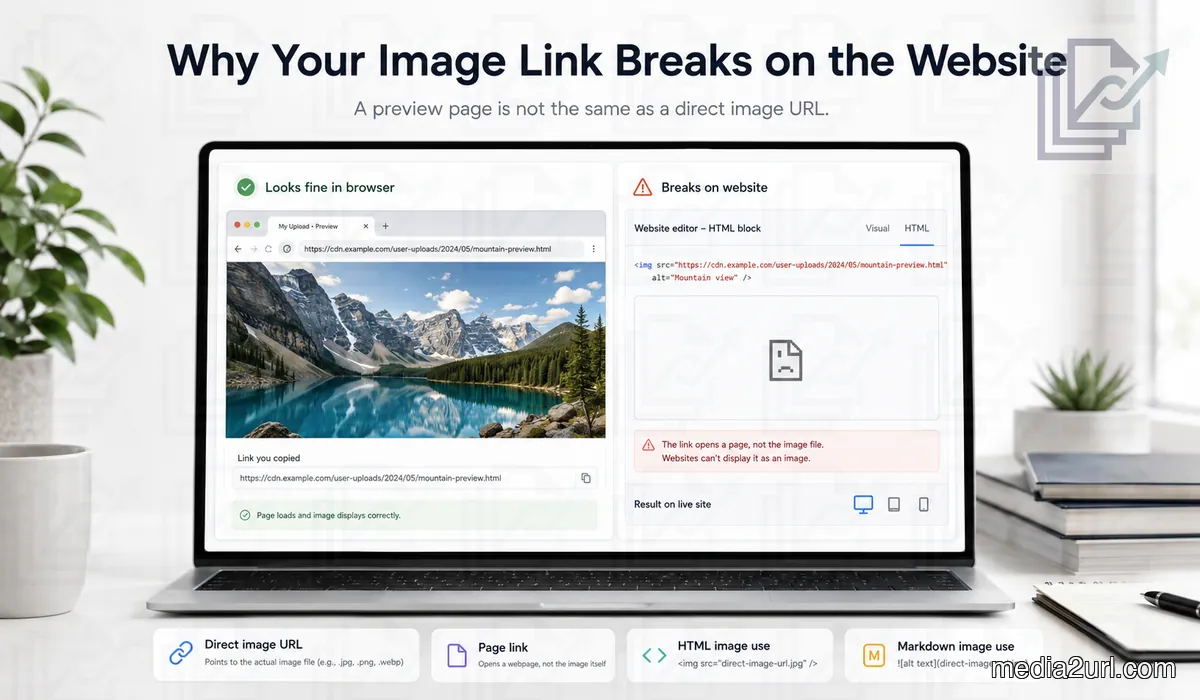
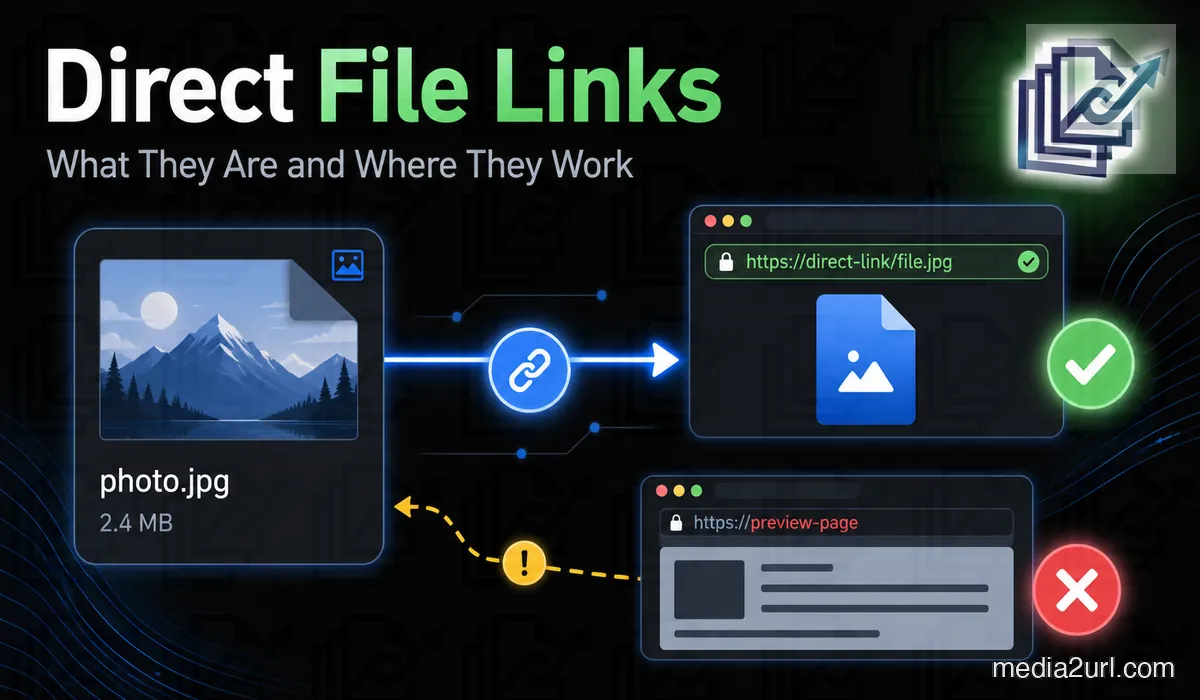
Discover why an image URL works in your browser but breaks when embedded on a website, how preview links and hotlink rules interfere, and how to fix it.
Need to embed an image or host a PDF but the link keeps breaking?
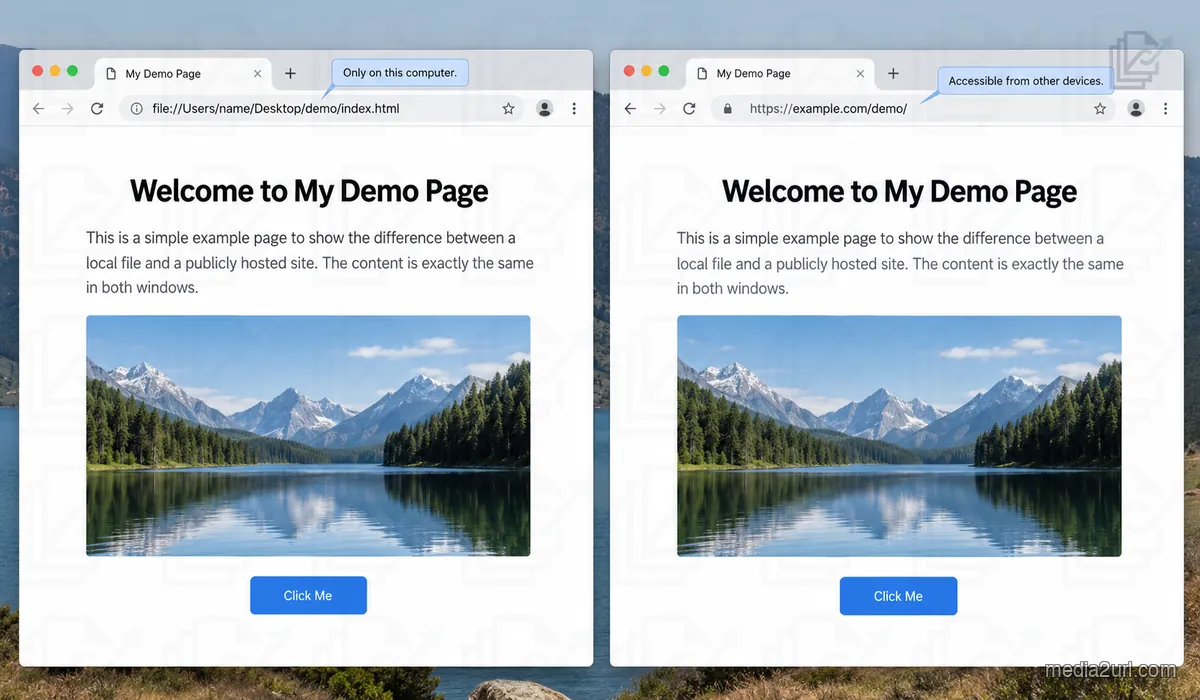
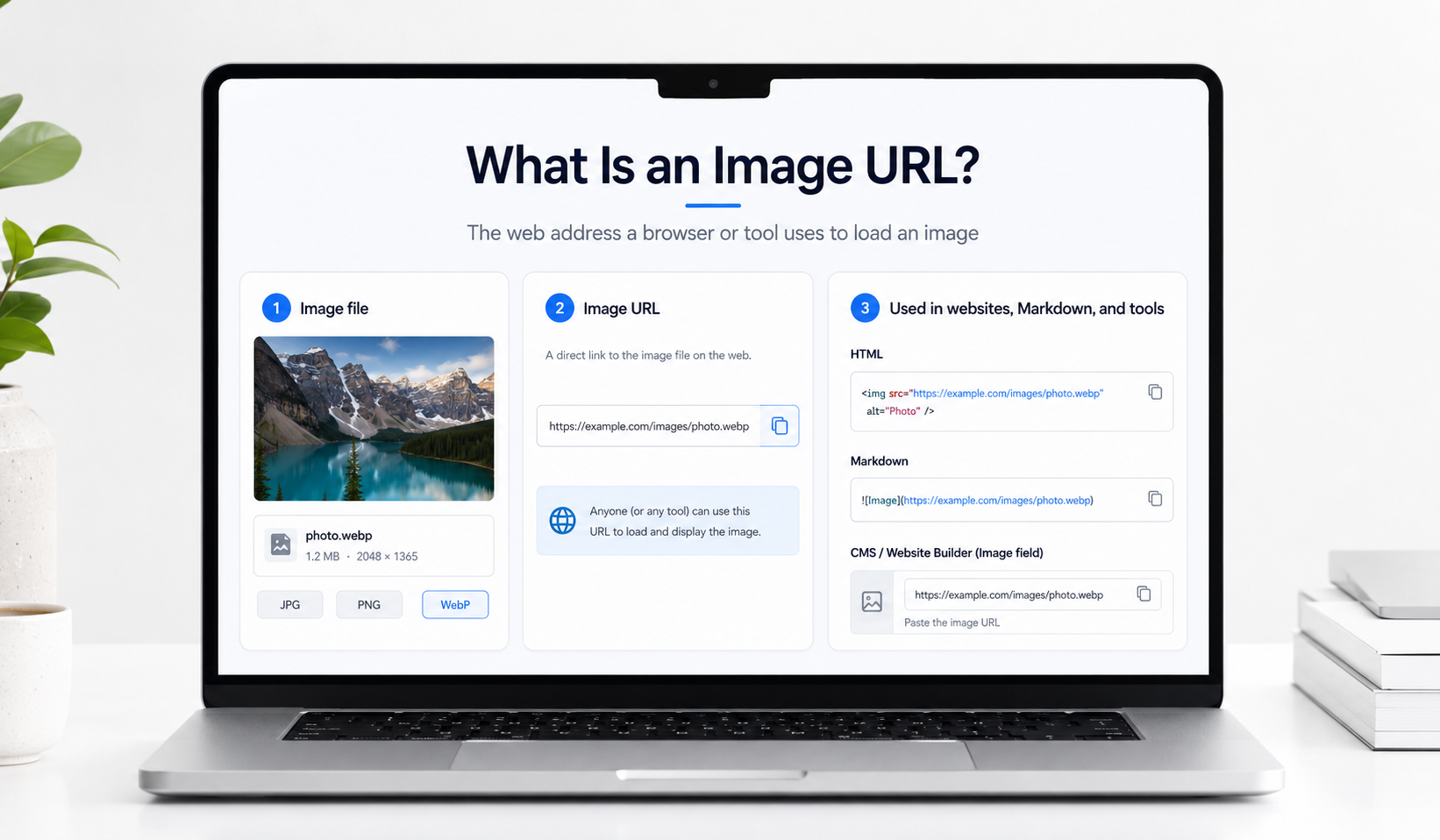
Learn how direct file links function, how to convert normal cloud sharing links (such as Google Photos or Dropbox) into raw URL endpoints, and how to verify if your hosted link will work reliably inside HTML, Markdown, and custom applications.
Troubleshoot Link Integration Issues
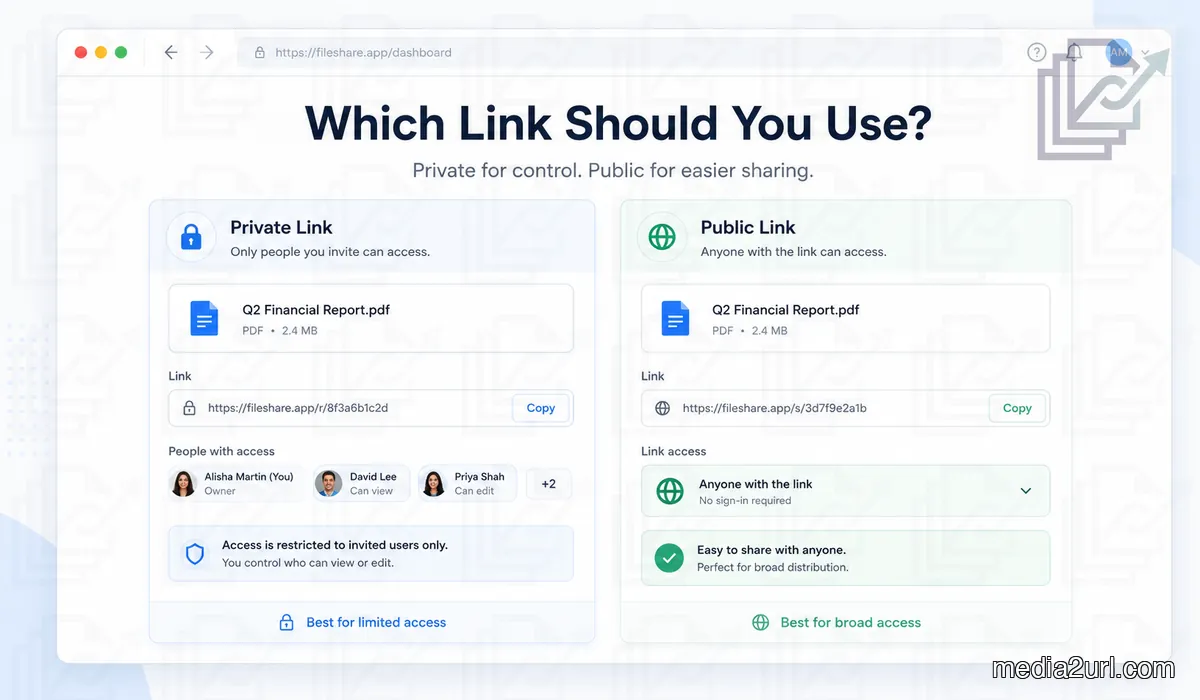
Many cloud storage platforms are built for personal collaboration rather than direct web assets.
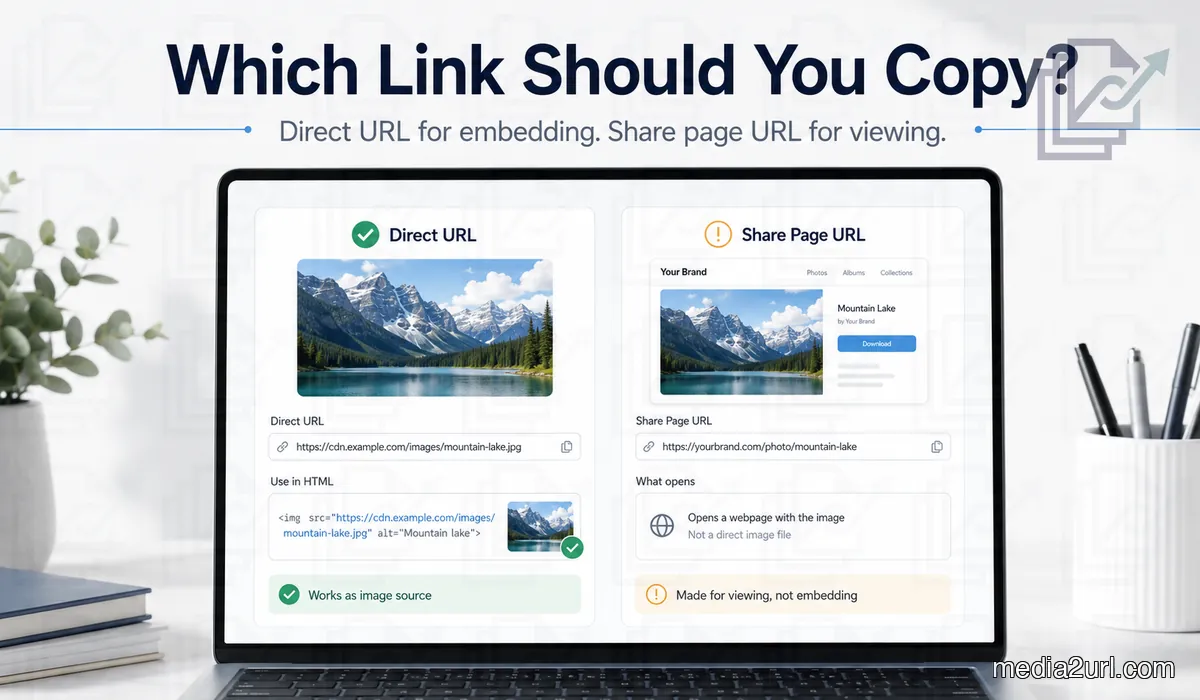
When you copy a normal link, it usually redirects to a preview webpage rather than returning the raw file bytes. These guides show you exactly how to bypass redirect pages, set the proper behavior parameters, and test links.
Understanding Embed Rules
From CORS policies to hotlinking blocks based on the referrer and signed URLs available for a short period, online asset delivery has many subtle rules.
Explore the resources below to ensure your client files, forum signatures, documentation images, and production website links stay permanent, fast, and healthy.
All Guides
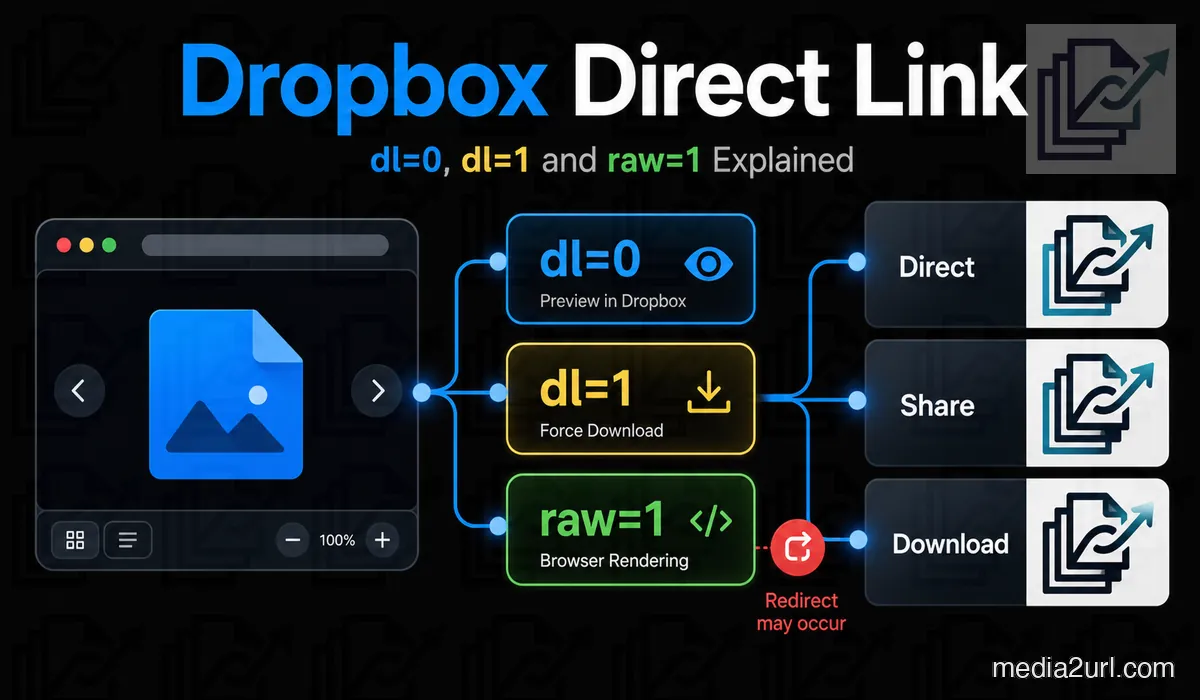
Choose a guide below to explore raw parameters, direct embeds, and file link diagnostics.
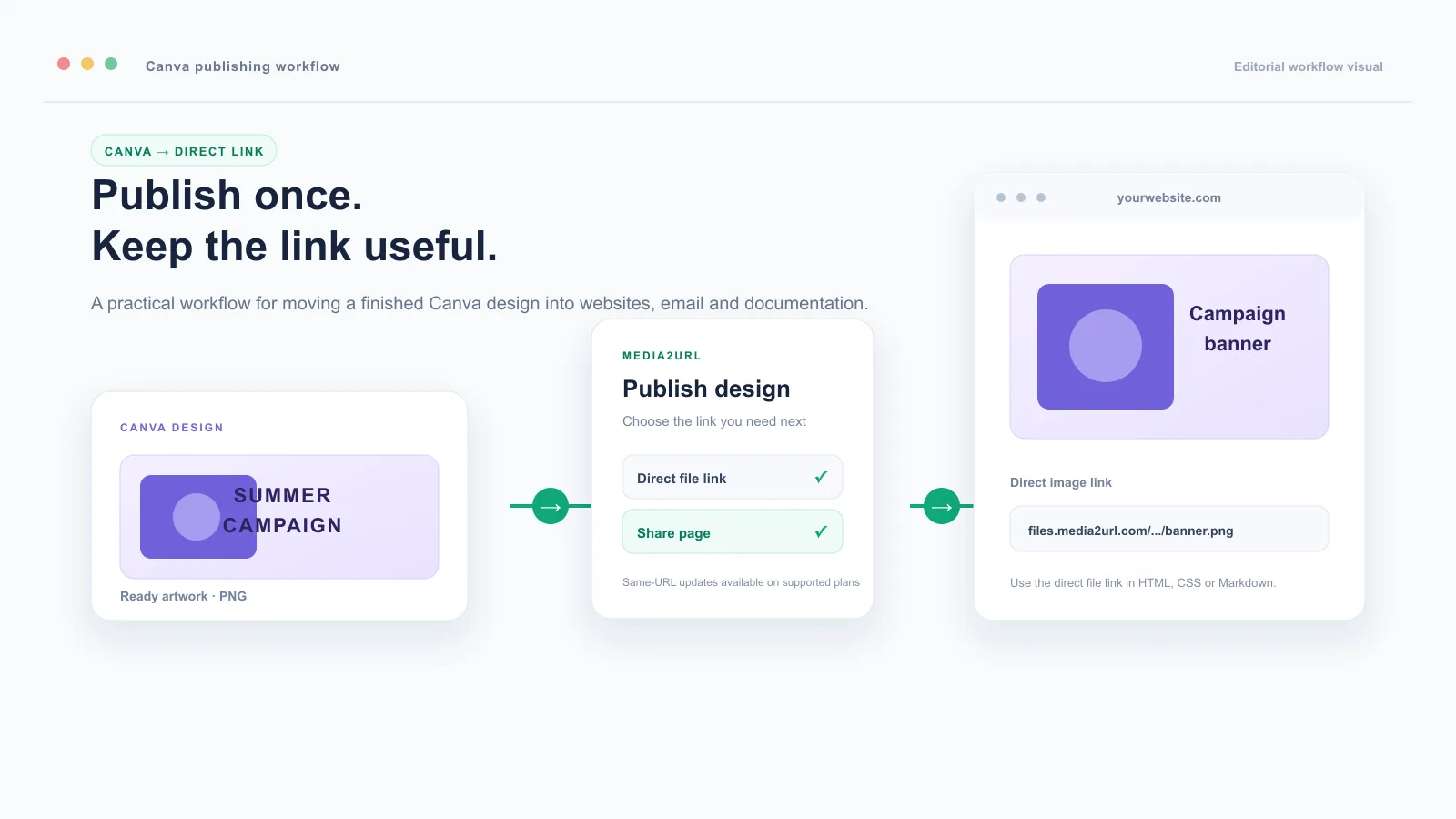
Learn how to publish Canva designs as direct links, choose between direct URLs and share pages, and update managed assets without changing their public URL.
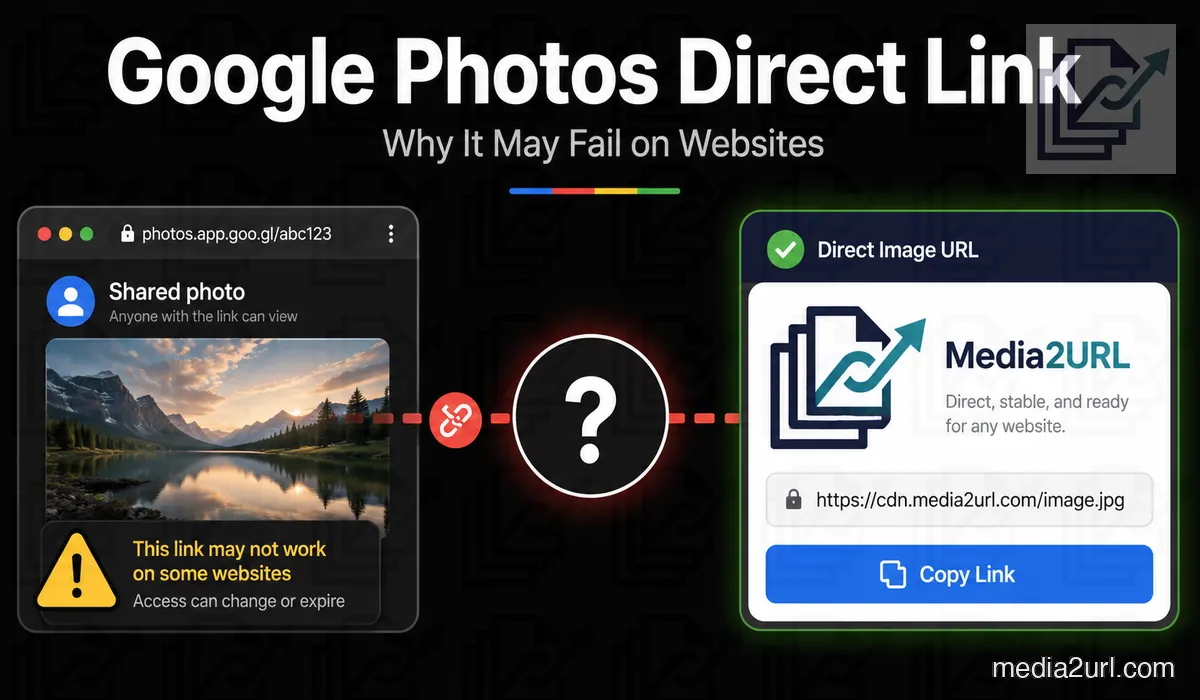
Learn why Google Photos sharing links may fail in HTML or Markdown, how 60-minute API base URLs work, and how to create a stable web copy for direct image use.