

Domain ownership check
Activation requires both the dashboard’s TXT token and the expected CNAME target. A hostname is not active just because it was typed into the form.
Eligible Business workspaces can connect one verified domain or subdomain and use it as the delivery hostname for supported assets. The workflow is real but account gated: you add the hostname in the dashboard, publish the requested DNS records and verify ownership before the workspace can use it.
The useful detail is what changes after the upload or selection. Follow the steps to see where the file, link and recipient fit together.
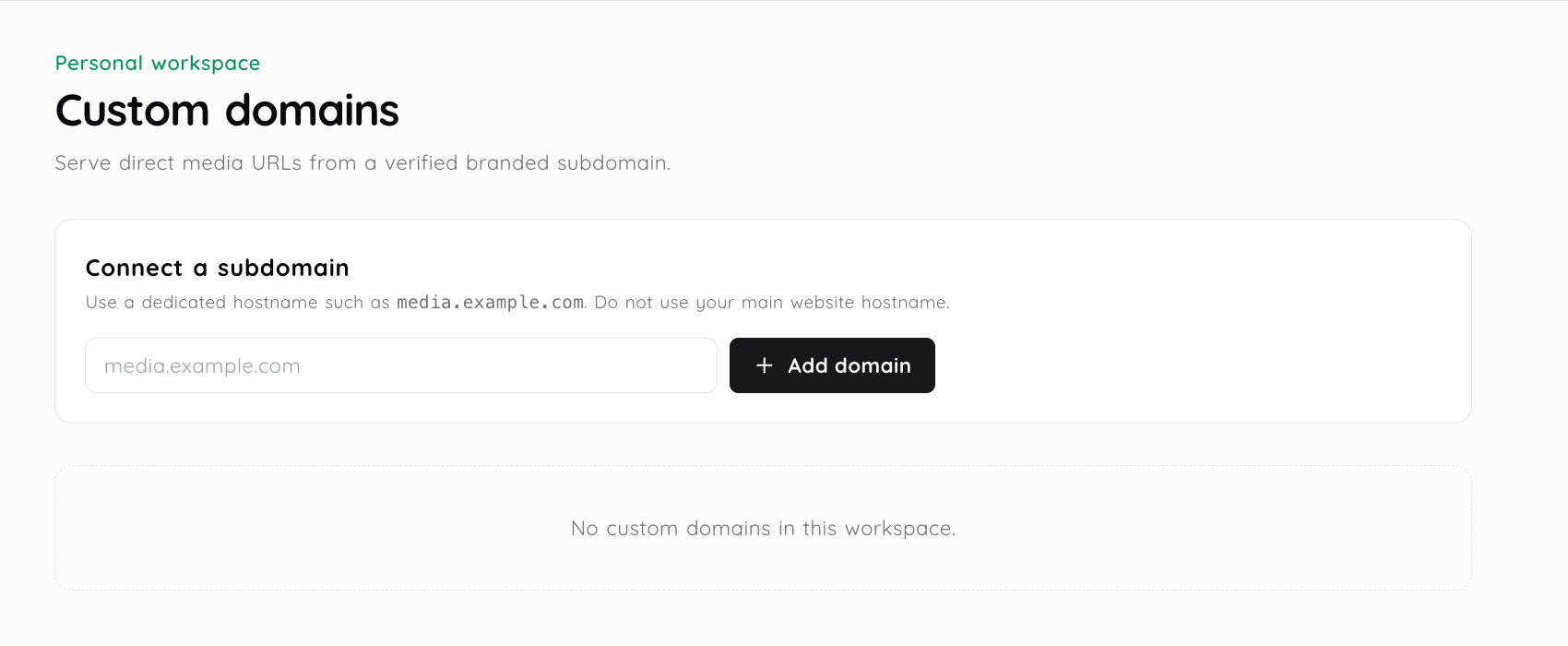
In Domain Settings, enter a valid domain or subdomain such as media.example.com. The workspace can have one connected domain in the current implementation.
The dashboard gives you a TXT verification record under _media2url-verify and a CNAME target. Add both records through your domain provider.
Return to the dashboard and run verification. The service checks the TXT token and CNAME before marking the hostname active.
Once active and still covered by the eligible plan, new supported workspace delivery URLs can use the verified hostname. Existing default links are not described as automatically rewritten.
A custom domain changes the public hostname used for eligible delivery. It does not change the asset’s workspace, privacy setting, expiry behavior or upload rules.
Activation requires both the dashboard’s TXT token and the expected CNAME target. A hostname is not active just because it was typed into the form.
The active domain is selected for the matching personal or team workspace. Assets from another workspace do not automatically use that hostname.
Supported direct media URLs can use the active delivery hostname after verification. The exact output remains tied to the asset and file type.
A branded hostname does not make an asset private or permanent. Keep using visibility, password, expiry, download and disable link controls separately.

An agency can use a media subdomain that a client recognizes when it sends a proposal PDF, image preview or download link.
A product team can keep supported screenshots and downloads under a recognizable asset hostname while the files remain managed in the Media2URL workspace.
The current plan configuration enables one verified custom delivery domain on the Business plan. The dashboard blocks the domain workflow when the active entitlement does not include it.
The dashboard provides a TXT verification record under _media2url-verify and a CNAME target for the hostname. Add the records shown there, then run verification.
No. It changes the hostname used for eligible delivery. Use the asset’s visibility, password and expiry controls when access should be restricted.
The current workflow does not promise that every existing default URL is rewritten. Check the output for the active workspace and publish the link that the dashboard provides.
Use a related page when the next step needs a different file type, workspace control or sharing mode.
Product controls and plan availability can change. The active dashboard remains the source of truth for your account.